If you’ve just got a KitchenAid stand mixer or are thinking about using one, you might wonder how to get the most out of it. This powerful kitchen tool can save you time and effort, making baking and cooking easier and more fun.
But how do you use it right? In this post, you’ll discover simple, step-by-step tips to master your KitchenAid mixer quickly. By the end, you’ll feel confident mixing dough, whipping cream, and creating delicious meals with ease. Ready to unlock your mixer’s full potential?
Let’s dive in!

Credit: food52.com
Choosing The Right Attachment
The Flat Beateris perfect for mixing cookie dough, cake batter, and frostings. It blends ingredients evenly without overworking the mix. Use it for medium to heavy mixtures. Avoid using it for dough or whipping tasks.
The Dough Hookhelps knead bread and pizza dough. It saves time and effort by mixing dough thoroughly. The hook mimics hand kneadingand develops gluten well. Use it only for yeast doughs, not for cake batter or cream.
The Whisk Attachmentis designed to whip airinto eggs, creams, and mousses. It creates light and fluffy textures. Use it for whipping cream, egg whites, and light batters. Avoid using it with thick dough or heavy mixtures.
Setting Up Your Mixer
Place the bowl on the mixer’s base. Turn it gently to lock it in place. This keeps the bowl stable during mixing. Make sure it feels secure before starting.
Attach the right accessory for your task. Common accessories include the flat beater, dough hook, and whisk. Align the accessory with the hub and twist it until it locks firmly.
Adjust the speed dial to control mixing power. Start at a low speed to avoid splashing. Increase speed gradually as needed for your recipe. Always stop the mixer before changing the accessory.
Mixing Techniques
Start mixing on slow speedto avoid splashing ingredients. It helps everything combine evenly.
Gradually increase the speed to reach the right texture. Fast mixing can cause mess and uneven results.
- Slow start protects your mixer and bowl.
- Speed up only after ingredients begin to blend.
- Stop mixing once the texture looks smooth and combined.
Avoid overmixingto keep the dough or batter from becoming tough. Mix just enough for good results.
Cleaning And Maintenance
Always unplug the mixer before detaching any parts. Gently twist or pull attachments to remove them. Avoid using force to prevent damage. Check the user manual for specific detaching instructions.
- Use warm, soapy water for washing removable parts.
- Do not submerge the motor base in water.
- Dry parts completely before reassembling or storing.
- Clean the mixer body with a damp cloth only.
Store your mixer in a dry, cool place. Cover it to protect from dust. Keep attachments together to avoid losing any parts. Regular cleaning helps your mixer last longer.
Tips For Best Results
Ingredient Preparationis key for smooth mixing. Use room temperature ingredients. Cold butter or eggs can make mixing tough. Measure ingredients carefully for best results. Cut butter into small pieces to help it blend faster. Sift dry ingredients to avoid lumps. Prepare all items before starting the mixer.
Timing Your Mixesmatters a lot. Overmixing can make dough tough. Undermixing leaves lumps or uneven texture. Start mixing at low speed to combine ingredients gently. Increase speed as needed for better texture. Follow recipe times closely, but check dough texture often. Stop mixing as soon as dough looks smooth and elastic.
| Troubleshooting Common Issues | Solutions |
|---|---|
| Mixer won’t start | Check if plugged in and power is on |
| Ingredients not mixing well | Scrape bowl sides and lower speed |
| Dough too sticky | Add small flour amounts gradually |
| Mixer making loud noise | Turn off and inspect attachments |
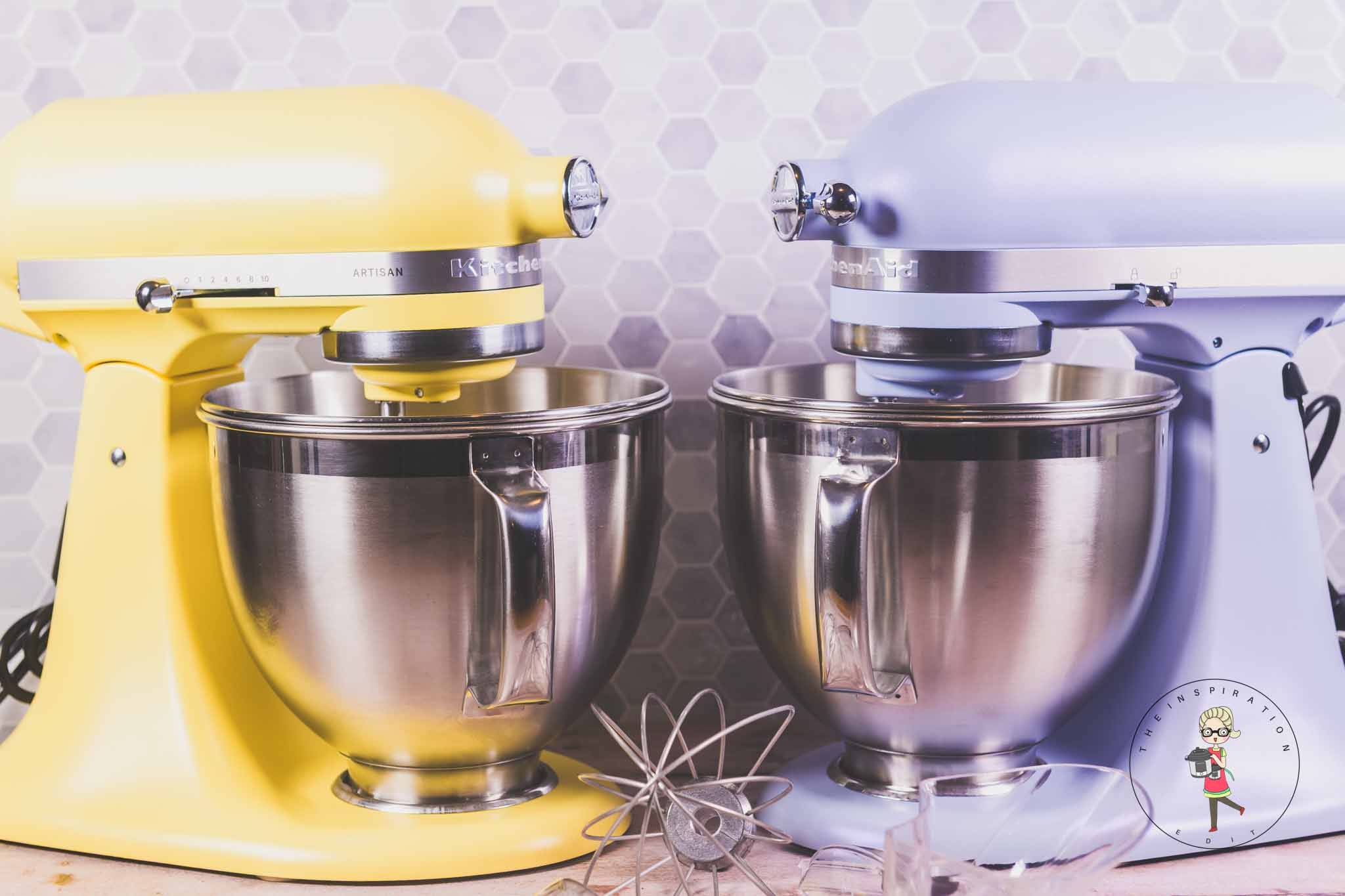
Credit: www.theinspirationedit.com
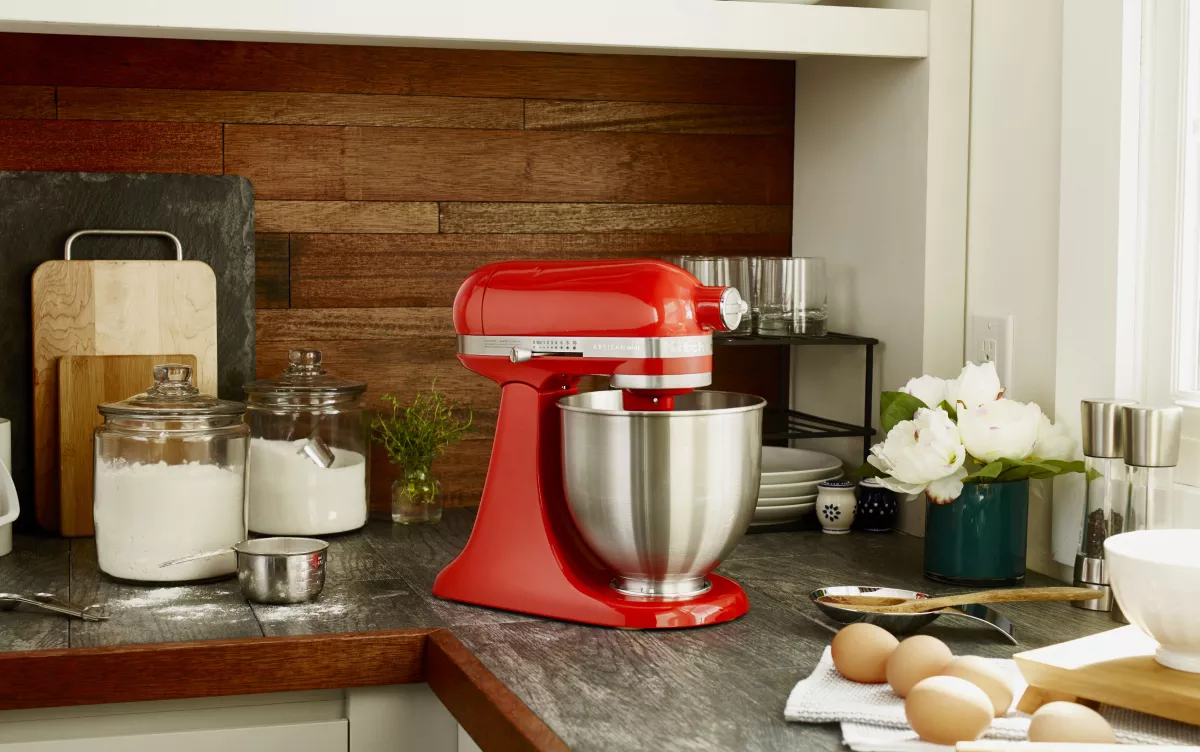
Credit: www.kitchenaid.com
Frequently Asked Questions
How Do I Attach The Mixing Bowl To A Kitchenaid Mixer?
Place the bowl on the base and twist it until it locks firmly in place.
What Speed Settings Work Best For Different Mixing Tasks?
Use low speed for stirring, medium for creaming, and high for whipping.
How Do I Clean My Kitchenaid Stand Mixer Safely?
Unplug first, wipe the mixer with a damp cloth, and wash attachments separately.
Conclusion
A KitchenAid stand mixer makes baking and cooking easier. Attach the right tool and choose the correct speed. Always start slow to avoid splashes. Clean the mixer after each use to keep it working well. Practice using different attachments to do more tasks.
Enjoy creating tasty meals with less effort. This mixer is a helpful kitchen helper. Try your favorite recipes and see the difference. Simple steps lead to great results every time.