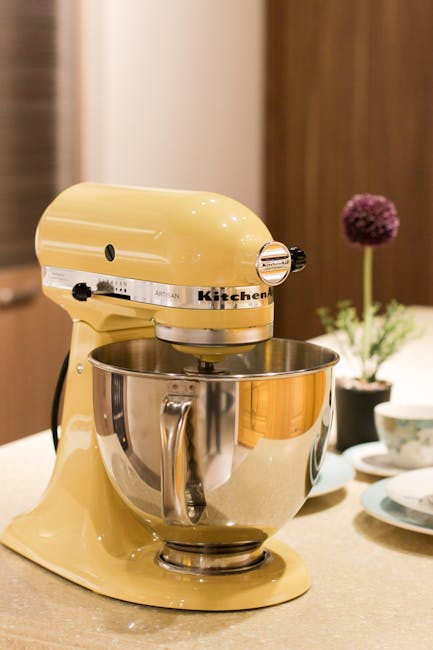
If you want your KitchenAid stand mixer to run smoothly and last for years, knowing how to grease it properly is key. Greasing your mixer might sound tricky, but it’s easier than you think—and it can save you from costly repairs down the line.
In this guide, you’ll learn simple steps to keep your mixer’s gears well-lubricated and working like new. Ready to give your mixer the care it deserves? Let’s dive in and make sure your KitchenAid stays in top shape.
Credit: www.homeserve.com
Tools And Materials Needed
Essential tools include a small screwdriver, food-safe grease, and a clean cloth. You’ll also need a clean workspace and the mixer’s manual for guidance. These materials help ensure smooth and safe greasing of your KitchenAid stand mixer.
- Food-safe greasedesigned for kitchen appliances
- Screwdriver setto open the mixer casing
- Clean clothto wipe old grease and dust
- Small brushfor applying grease evenly
- Containerto catch any drips or debris
- Glovesto keep hands clean
- Work areawith good lighting and ventilation
Preparing The Mixer
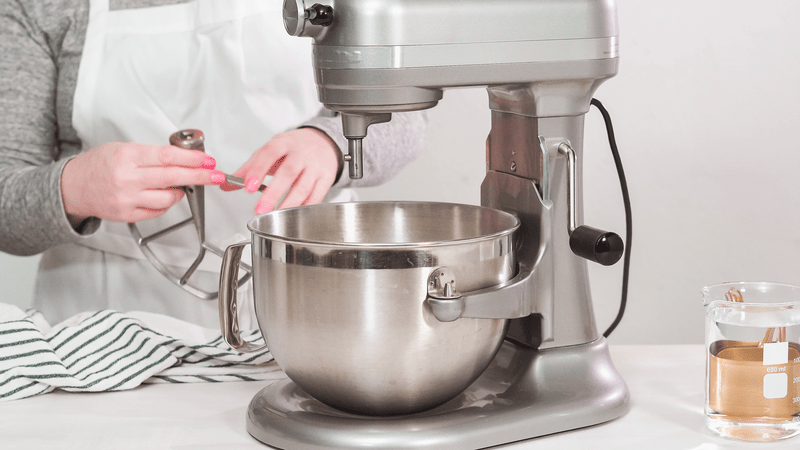
Always unplugthe mixer before starting any work. This keeps you safefrom electric shock. Remove all attachmentslike beaters and dough hooks by twisting or pulling gently.
Clean the mixer’s surface with a damp cloth. Avoid using harsh chemicals that can damage the finish. Dry the parts thoroughly before proceeding to grease.
Accessing The Gearbox
Start by unplugging the mixer for safety. Tilt the mixer head back to expose the screws. Use a screwdriver to remove the screws holding the mixer head in place. Carefully lift the mixer head away from the base.
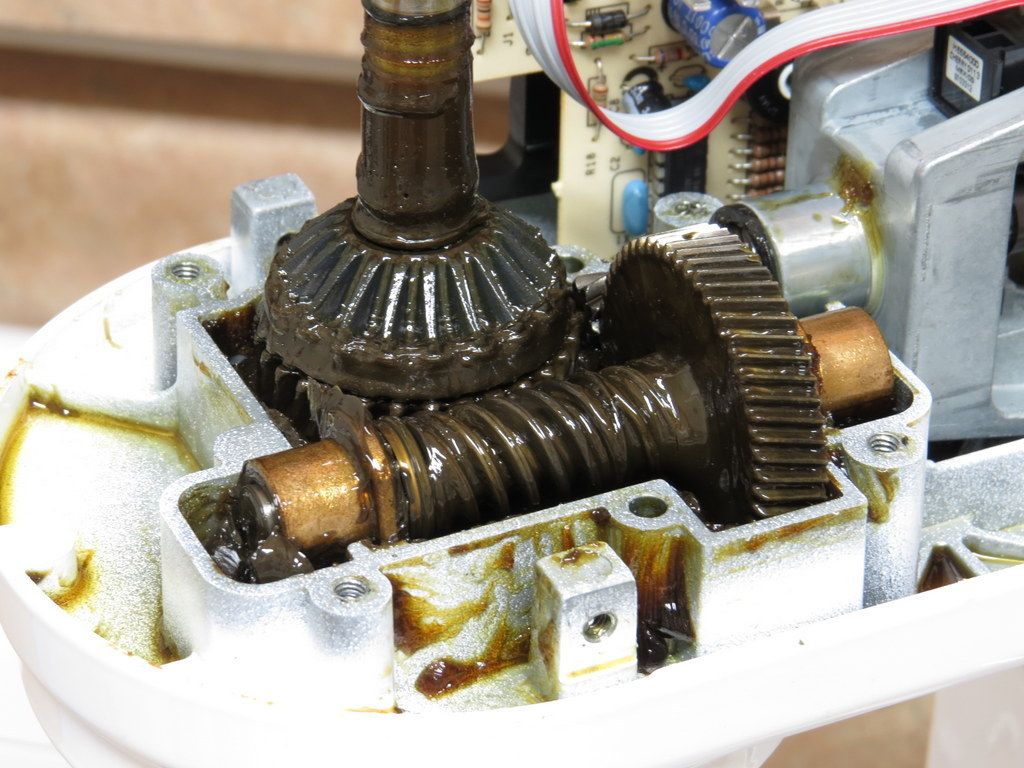
Locate the gearbox cover on the mixer base. Use a screwdriver to remove the screws securing the cover. Keep the screws safe for reassembly. Gently lift the gearbox cover to reveal the gears inside.
Removing Old Grease
Old grease inside the mixer can cause it to work poorly. Start by unplugging the mixer and removing any attachments. Take off the bowl and the mixing head to access the internal parts. Use a clean cloth or paper towel to wipe away visible grease. Avoid using water because it can damage the mixer. A small brush or cotton swab helps reach tight spaces. Remove all old grease carefully to avoid dirt build-up. After cleaning, check for any leftover bits and clean again if needed. Proper removal of old grease makes room for new grease to work well.
Applying New Grease
Apply fresh grease carefully to the mixer’s gears for smooth operation. Spread evenly to avoid clumps or excess buildup. Proper greasing keeps your KitchenAid running quietly and efficiently.
Choosing The Right Grease
Pick a food-grade grease for your KitchenAid mixer. This grease is safe for food. Avoid industrial greases as they might be toxic. Look for greases labeled NSF H1. These are safe and recommended. Check the mixer manual for specific grease types. Always use fresh grease for best performance.
Proper Greasing Technique
Start by cleaning the old grease from the gears. Use a soft cloth to wipe it away. Apply a small amount of new grease on the gears. Spread it evenly using your fingers. Be careful not to use too much grease. Too much can cause leaks. Make sure all gears are covered. This keeps the mixer running smoothly. Always reassemble the mixer carefully after greasing.
Reassembling The Mixer
Place the gearbox coverback carefully. Make sure the greasestays inside the gears. Tighten the screws evenly to avoid damageor misalignment. Check that the gearboxfits snugly and nothing moves loosely.
Lower the mixer headback onto the base. Align the headwith the base so it fits correctly. Secure the head by tightening the screws or bolts firmly. Test the head by moving it up and down. It should move smoothly without stiffnessor wobble.
Testing The Mixer
Turn on the mixer at low speed to check if it runs smoothly. Listen for any strange noises like grinding or squeaking. If sounds are normal, increase speed gradually.
Watch the mixer closely. The movement should be even and steady. Any shaking or jerking means more grease might be needed.
- Check if the attachments spin without wobbling.
- Feel for heat near the motor after running for a few minutes.
- Stop the mixer if it smells burnt or overheats.
Testing helps ensure the grease is spread properly inside. It keeps the mixer working longer and quieter.
Credit: bobistheoilguy.com
Maintenance Tips
Greasing your KitchenAid stand mixerhelps keep it running smoothly. Grease inside the mixer prevents parts from rubbing and wearing out quickly.
Check for signs that your mixer needs grease, such as:
- Unusual noises like grinding or squeaking.
- Parts feeling stiff or hard to move.
- The mixer running hotter than usual.
- Visible wear or damage on moving parts.
Regular checks every few months help catch these signs early. Proper greasing saves money and extends your mixer’s life.

Credit: www.amazon.com
Frequently Asked Questions
How Often Should I Grease My Kitchenaid Mixer?
Grease your KitchenAid mixer every 1 to 2 years for optimal performance. Regular greasing prevents wear and extends the mixer’s lifespan.
What Type Of Grease Is Best For Kitchenaid Mixers?
Use food-grade silicone or lithium-based grease for KitchenAid mixers. These greases are safe, durable, and maintain smooth gear operation.
Can I Grease My Mixer Without Disassembly?
No, proper greasing requires partial disassembly to access gears. Follow the manual to avoid damaging internal parts during the process.
How Do I Know When My Mixer Needs Greasing?
Signs include unusual noise, stiffness, or overheating during use. These indicate the gears need lubrication to function properly.
Conclusion
Greasing your KitchenAid stand mixer keeps it working smoothly. Regular care stops wear and tear on its parts. Use the right grease and follow each step carefully. This simple task saves money on repairs later. A well-greased mixer lasts longer and runs quietly.
Take your time, and don’t rush the process. Your mixer will thank you with better performance. Keep this guide handy for future maintenance needs. Simple steps can make a big difference.