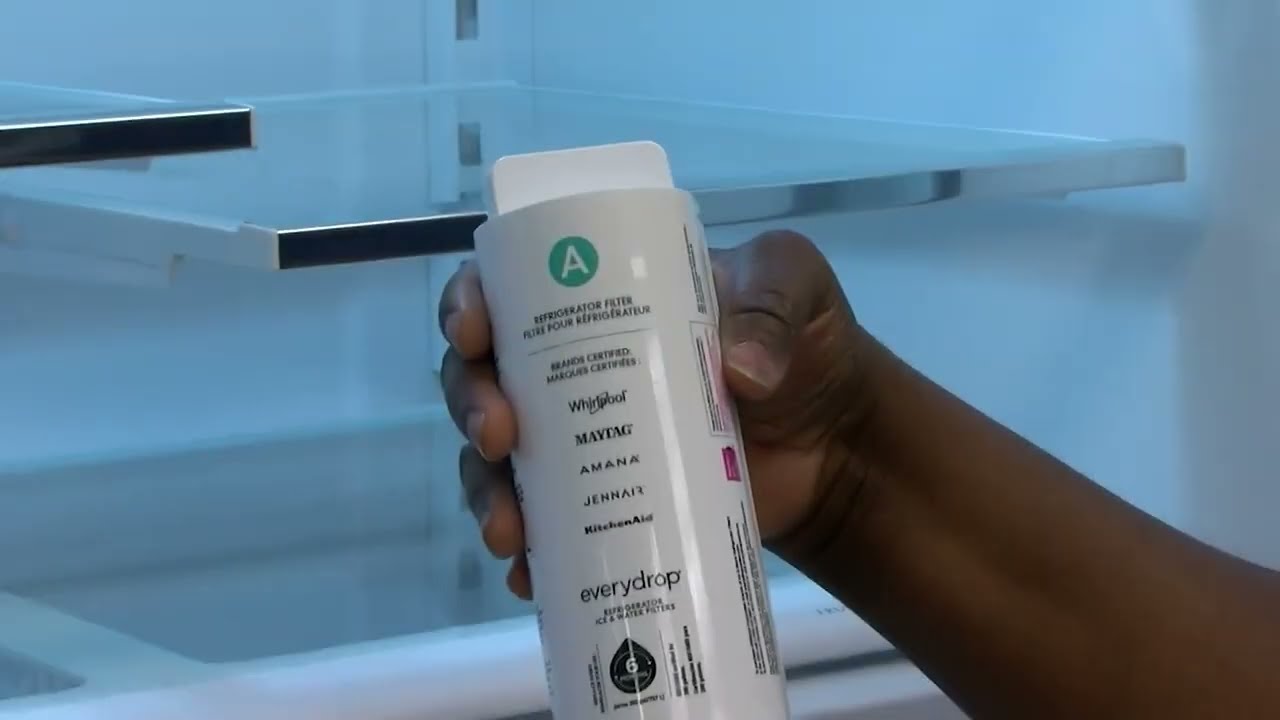
If you want clean, fresh water from your KitchenAid refrigerator, replacing the water filter is key. But maybe you’re not sure how to do it right—or worried it might be complicated.
The good news? It’s easier than you think, and you can do it yourself in just a few simple steps. Keep reading, and you’ll learn exactly how to replace your KitchenAid refrigerator water filter quickly and confidently. Your family’s health and your peace of mind depend on it.
Credit: www.kitchenaid.com
Signs You Need A New Filter
Cloudy or bad-tasting wateroften means the filter is old. Water may have a strange smell or taste. Slow water flowfrom the fridge can also show the filter is clogged. The filter may have been in use for over six months. Some fridges have a filter change indicator lightthat turns on when it’s time to replace.
- Water looks cloudy or has particles
- Water tastes or smells odd
- Water flow is slow from the dispenser
- Filter change light turns on
- Filter used for more than six months
Choosing The Right Replacement Filter
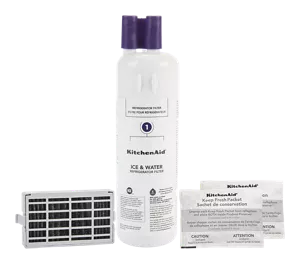
Choosing the right replacement filter for your KitchenAid refrigerator is important. Filters vary by model and filter type. Check your refrigerator’s manual or the label inside the fridge to find the correct filter number.
Look for filters that are certifiedto remove common contaminants like chlorine, lead, and bacteria. Using the wrong filter can cause leaks or poor water quality.
| Filter Type | Compatible Models | Key Features |
|---|---|---|
| UKF7003 | Most KitchenAid Side-by-Side | Removes chlorine, taste, odor |
| UKF8001 | French Door Models | Removes lead, cysts, sediment |
| UKF9003 | Built-in Water Dispensers | Enhanced filtration, longer life |
- Buy filters from trusted sellers or the official brand.
- Check the expiration date on the filter packaging.
- Keep the old filter for reference if needed.
Locating The Water Filter In Your Refrigerator
The water filterin a KitchenAid refrigerator is usually easy to find. It is often located inside the fridge or at the base grille. Checking these two spots first saves time.
Inside the fridge, look near the top right or left corner. The filter can be a small white or black cylinder. It may have a twist or push mechanism.
At the base grille, the filter is behind a small door or cover. This area is near the floor, below the fridge doors. Opening this cover reveals the filter for easy removal.
- Check the upper right or left corner inside the fridge.
- Look behind the base grille or kick plate near the floor.
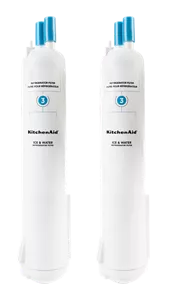
- Identify the filter by its small cylindrical shape.
- Look for a twist or push release mechanism.
Credit: www.kitchenaid.com
Step-by-step Filter Replacement
Locate the old filter inside the fridge, usually in the upper right corner. Push the filter gently to release it. Pull it straight out to remove. Some models may need a twist to unlock. Have a towel ready to catch water drips.
Take the new filter out of its packaging. Remove the protective cap or seal. Align the new filter with the slot. Push it in firmly until you hear a click or it feels secure. Avoid forcing it, as this may cause damage.
After installing, find the filter reset button on the fridge display panel. Press and hold the button for about 3 seconds. The filter indicator light should turn off or reset. This confirms the new filter is active and ready.
Maintaining Your Water Filter
Replacing your KitchenAid water filter keeps water fresh and clean. First, locate the filter inside the fridge or at the base. Turn off the water supply before removing the old filter. Twist the filter counterclockwise to unlock it, then pull it out gently.
Insert the new filter by aligning it correctly, then twist clockwise until it locks. Turn the water supply back on and run water through the dispenser for a few minutes. This clears air and activates the new filter.
Changing the filter every six months helps keep water safe and tasting good. Keep a reminder to replace it regularly for best results.

Credit: www.searspartsdirect.com
Frequently Asked Questions
How Often Should I Replace The Water Filter In A Kitchenaid Refrigerator?
Replace the water filter every six months or after filtering 200 gallons for clean water.
What Are The Signs That The Water Filter Needs Replacement?
Slow water flow, bad taste, or cloudy ice show the filter needs changing soon.
Can I Replace The Water Filter Without Tools Or Help?
Yes, most Kitchenaid filters twist out easily and can be replaced by hand.
Conclusion
Replacing the water filter on your Kitchenaid refrigerator is simple. Follow the steps carefully to avoid mistakes. Clean water means better taste and safety for your family. Changing the filter regularly keeps your fridge working well. Don’t wait until the water tastes strange or slows down.
This quick task saves money and improves health. Now, enjoy fresh, clean water every day with ease.