Is your KitchenAid water filter due for a change? Replacing it is easier than you might think, and doing it right can keep your water tasting fresh and your appliances running smoothly.
If you want clear, clean water without the hassle or confusion, you’re in the right place. Keep reading, and you’ll learn simple, step-by-step instructions to change your KitchenAid water filter quickly and confidently—no tools or expert help needed. Don’t let a clogged filter slow you down; let’s get your water flowing perfectly again!
Credit: www.kitchenaid.com
Signs To Replace Filter
Water taste and odorcan change when the filter is old. The water may taste strange or smell bad. This is a clear sign to replace the filter soon.
The Filter Indicator Lighton your Kitchenaid shows when the filter needs changing. The light usually turns red or blinks. This helps you know the right time to swap the filter.
Gathering Necessary Tools
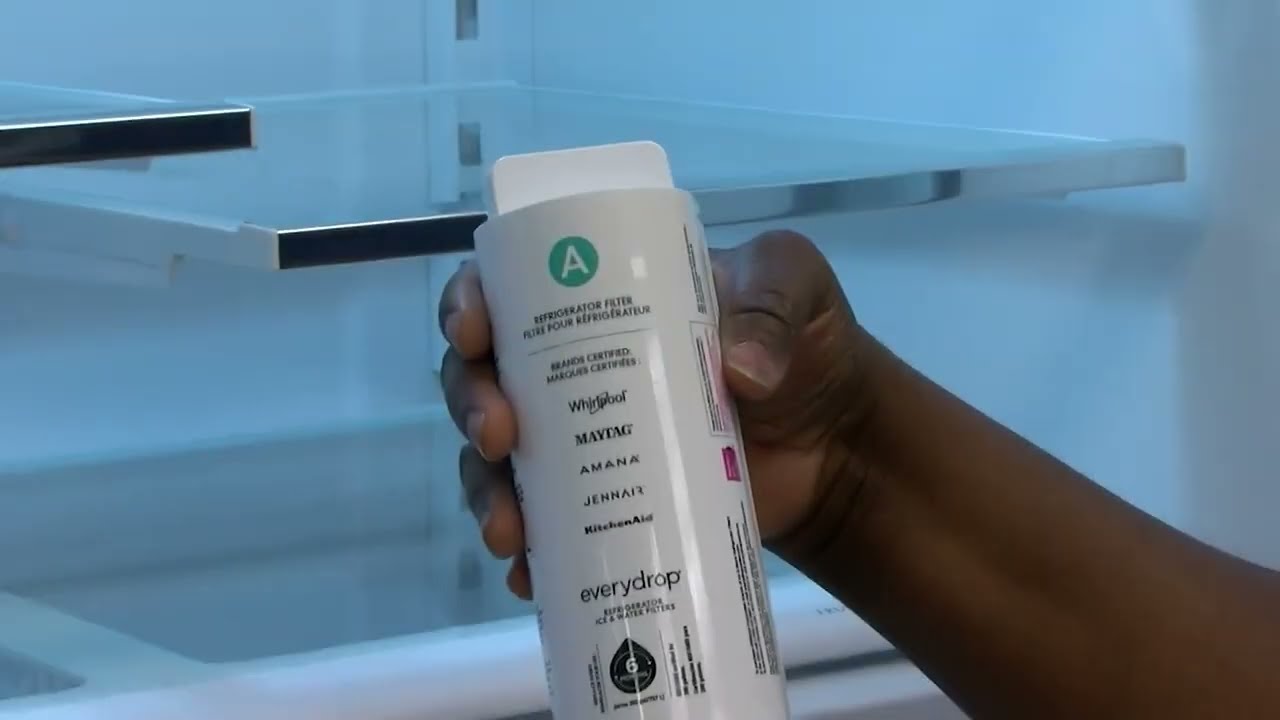
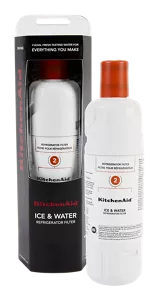
Check the model numberon your KitchenAid water filter. This number is usually on the filter itself or in the user manual. Knowing the exact model helps find the right replacement filter.
Gather all tools before starting the change. You will need:
- Replacement filterthat matches your model
- Towelto catch any water spills
- Bucket or bowlfor draining water
- Glovesif you prefer to keep hands clean
Removing The Old Filter
Locate the water filter inside the refrigerator. It is usually in the upper right corner or near the bottom grille. Some models have a cover or a twist cap protecting the filter.
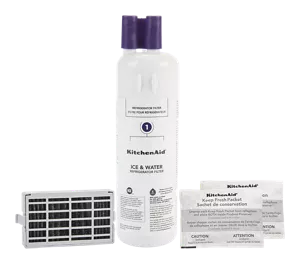
To remove the old filter, grasp it firmly and turn it counterclockwise. Pull it straight out once it loosens. If it is stuck, try gently wiggling it to loosen the seal.
- Turn off the water supply before removing the filter.
- Have a towel ready to catch any water drips.
- Do not use too much force to avoid breaking the filter.
- Check the filter for cracks or damage before removal.
Credit: www.kitchenaid.com
Installing The New Filter
Hold the new filter with the label facing out. Align the filterwith the slot inside the water filter housing. The filter should fit easily without force.
Turn the filter clockwise until it stops. This secures the filterin place. Do not over-tighten to avoid damage.
- Check that the filter is firmly seated.
- Make sure there are no gaps between the filter and housing.
- Wipe any water spills with a clean cloth.
Resetting The Filter Indicator
Press and hold the Filter Resetbutton on the control panel.
Keep holding until the indicator light turns off or blinks.
This action resets the water filter statuson your Kitchenaid refrigerator.
Resetting helps the appliance track filter usagecorrectly.
Use this after installing a new water filter.
- Press the button gently for about 3 seconds.
- Wait for the light to change color or go off.
- Check your fridge manual for exact button location.
To keep the filter working well, replace it every 6 monthsor as needed.
Clean the filter area to avoid clogs and bacteria build-up.
Regular replacement ensures fresh and clean waterfrom your fridge.

Credit: www.youtube.com
Frequently Asked Questions
How Often Should I Change My Kitchenaid Water Filter?
Change the water filter every 6 months or after filtering 200 gallons for best taste and safety.
What Tools Do I Need To Replace The Kitchenaid Filter?
No tools are needed. Just twist and pull the old filter out, then push the new one in.
How To Know If My Kitchenaid Water Filter Needs Replacement?
Look for reduced water flow or a change in taste; these signs mean it’s time to change the filter.
Conclusion
Changing your Kitchenaid water filter is simple and quick. Regular replacement keeps water clean and fresh. Follow the steps carefully to avoid mistakes. Clean water helps your family stay healthy. Don’t wait until the filter clogs or tastes change. Keep your fridge working well by changing the filter on time.
Now, enjoy fresh water every day without any trouble. Small effort, big difference.